Using connect - Group leaders check-in
-
Open the connect app
-
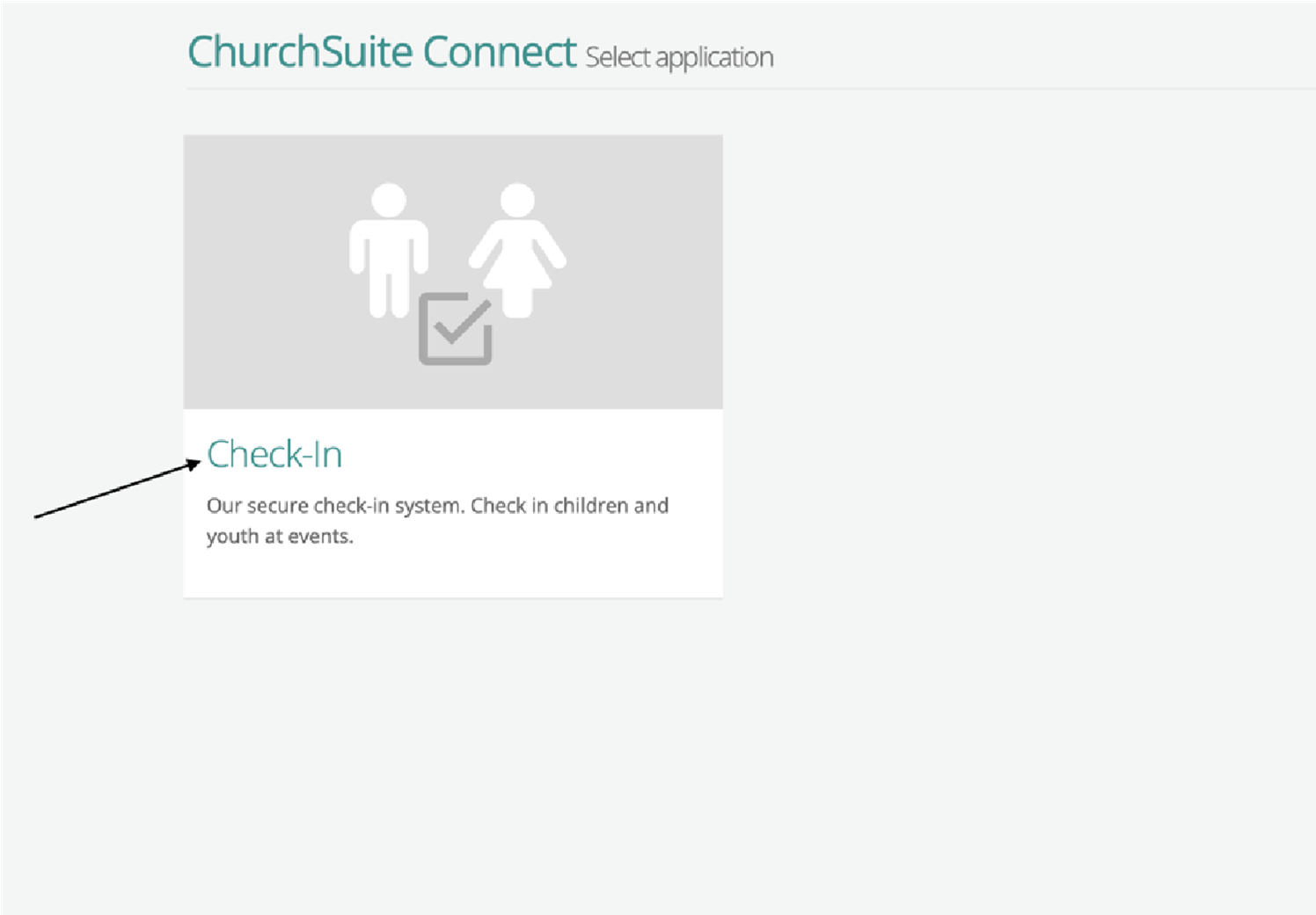
Click Check-in
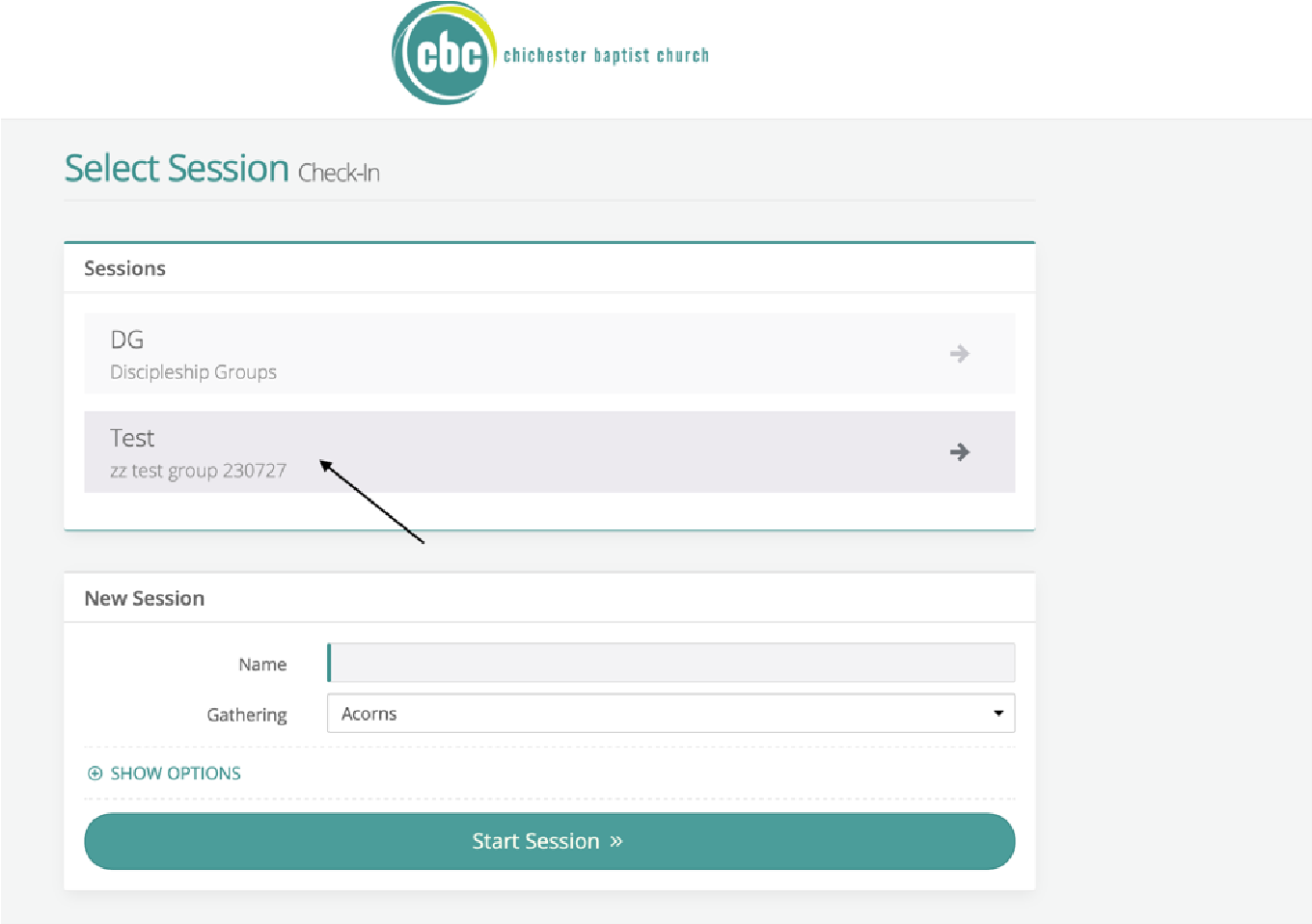
- Select 'Sunday Morning' (your tablet will say Sunday Morning, not Test)
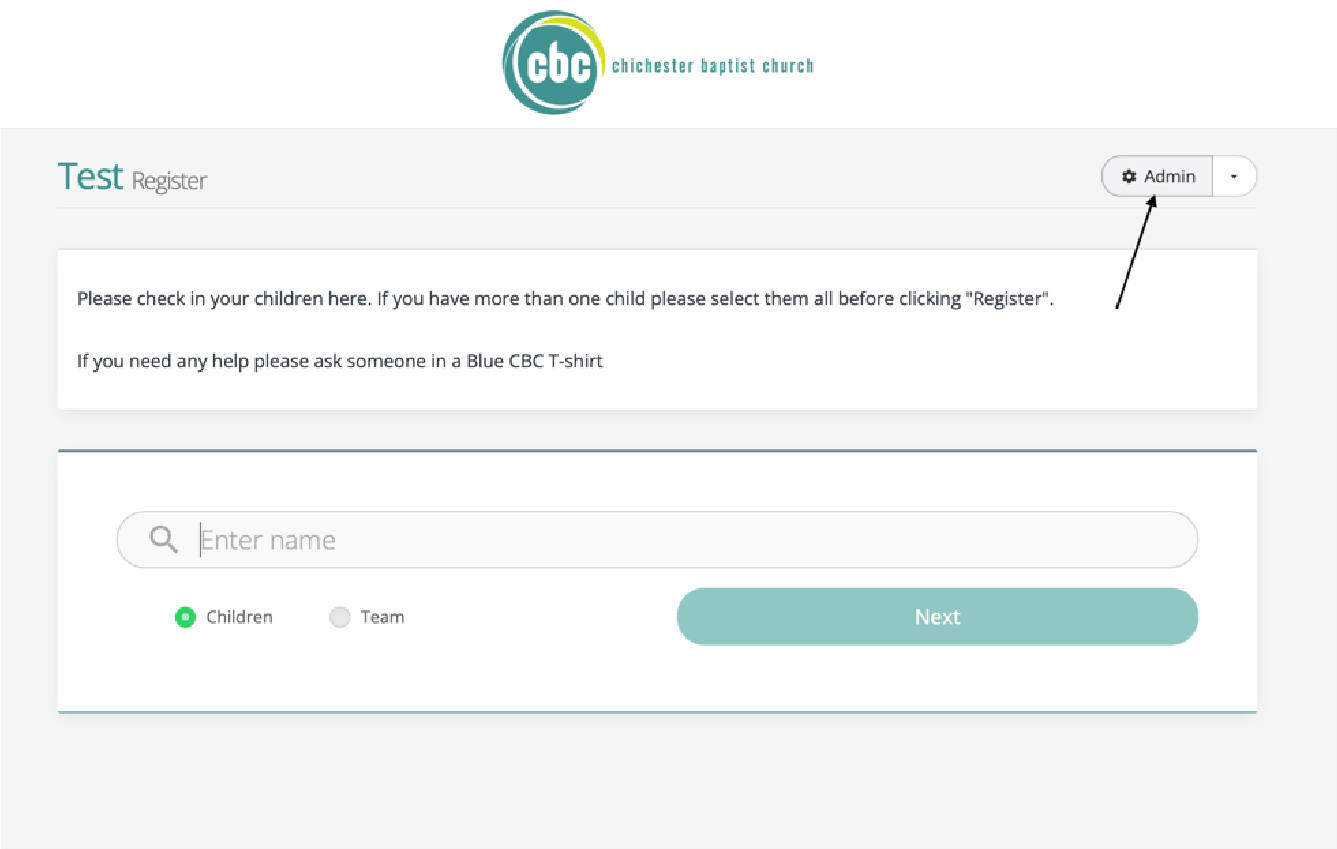
- Select the admin button at the top right of the screen
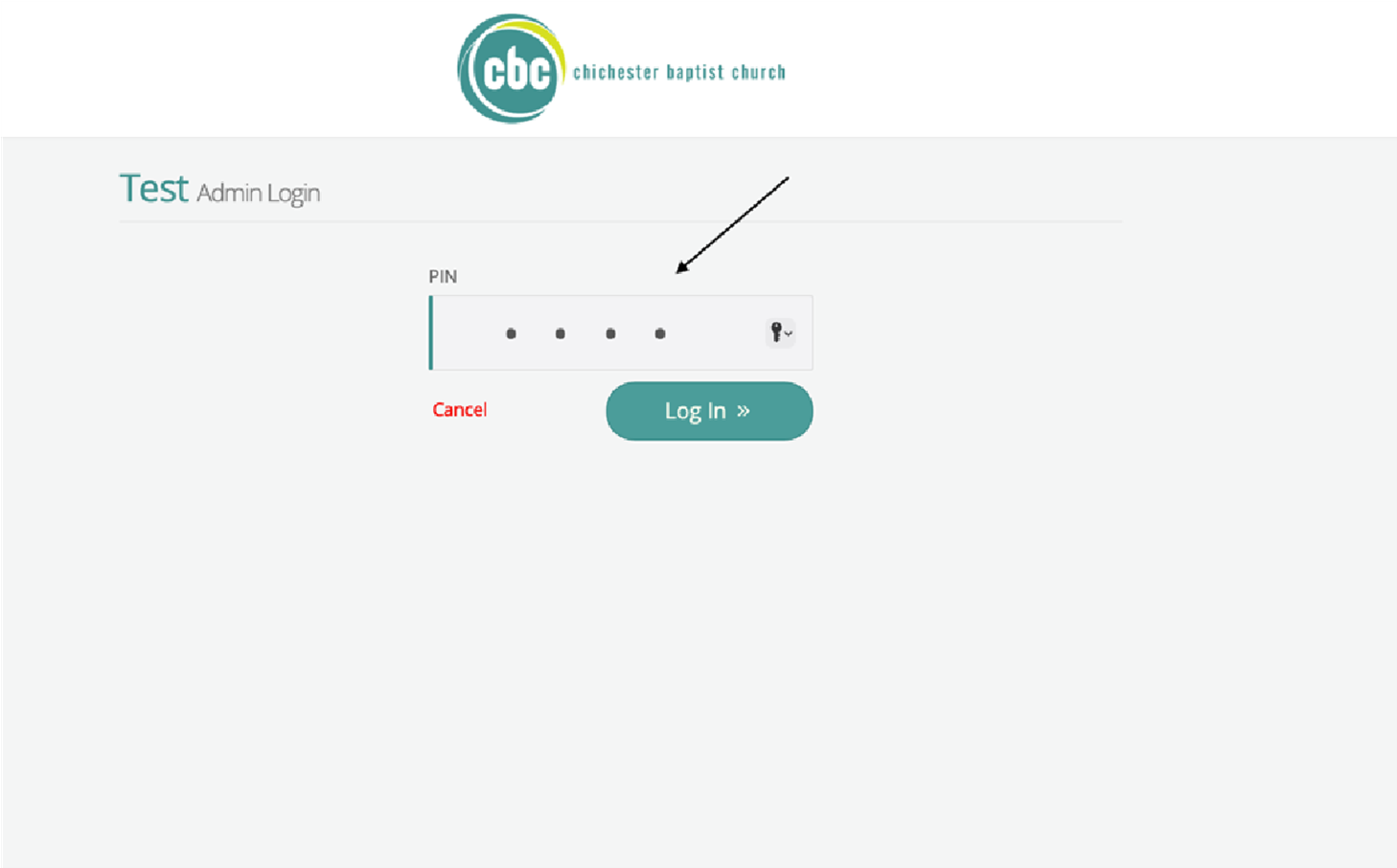
- Enter the pin (ask if you don't know)
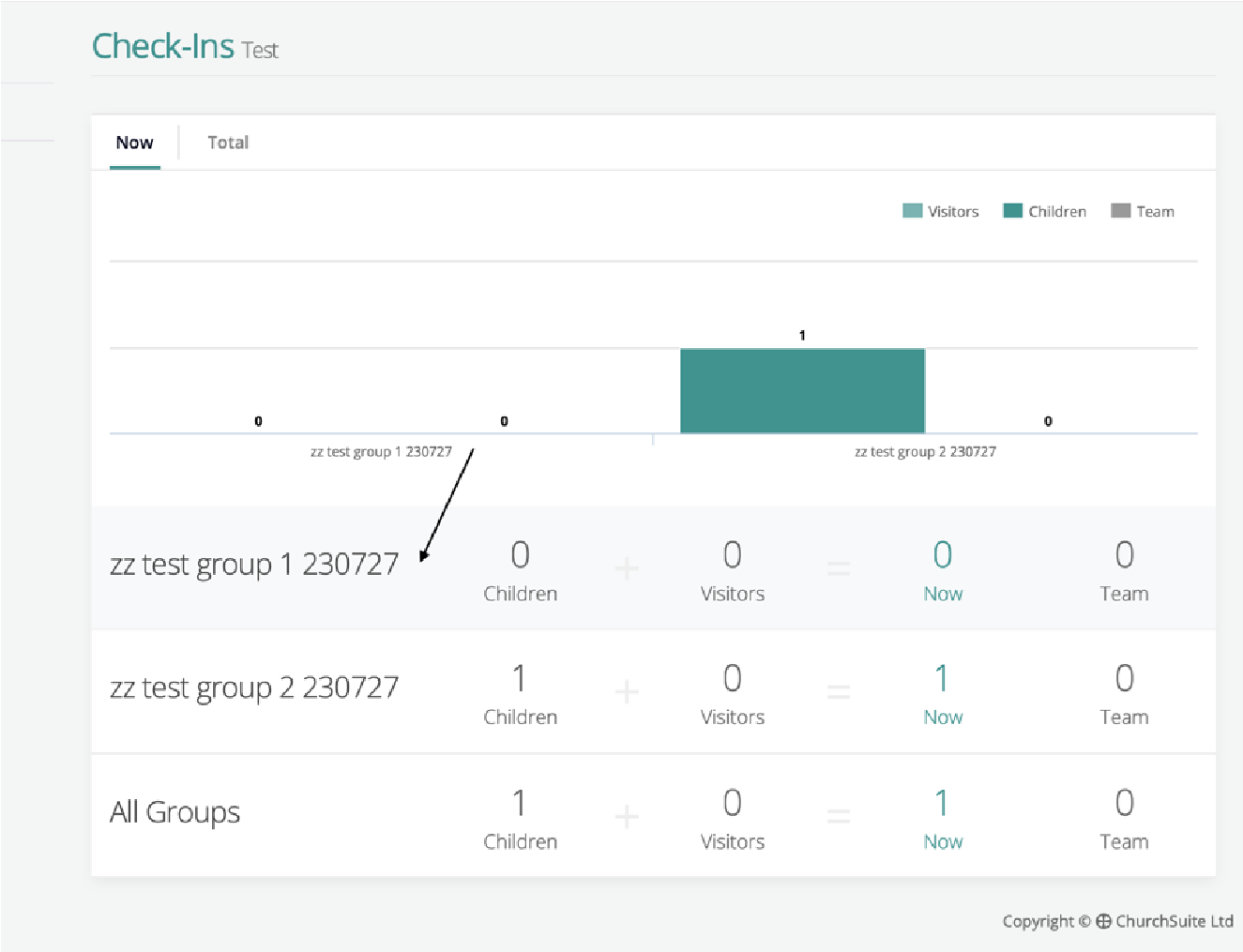
- Select the group you are teaching (your tablet will say Creche, Shoots, Seedlings, Saplings, not zz test group 1 230727)
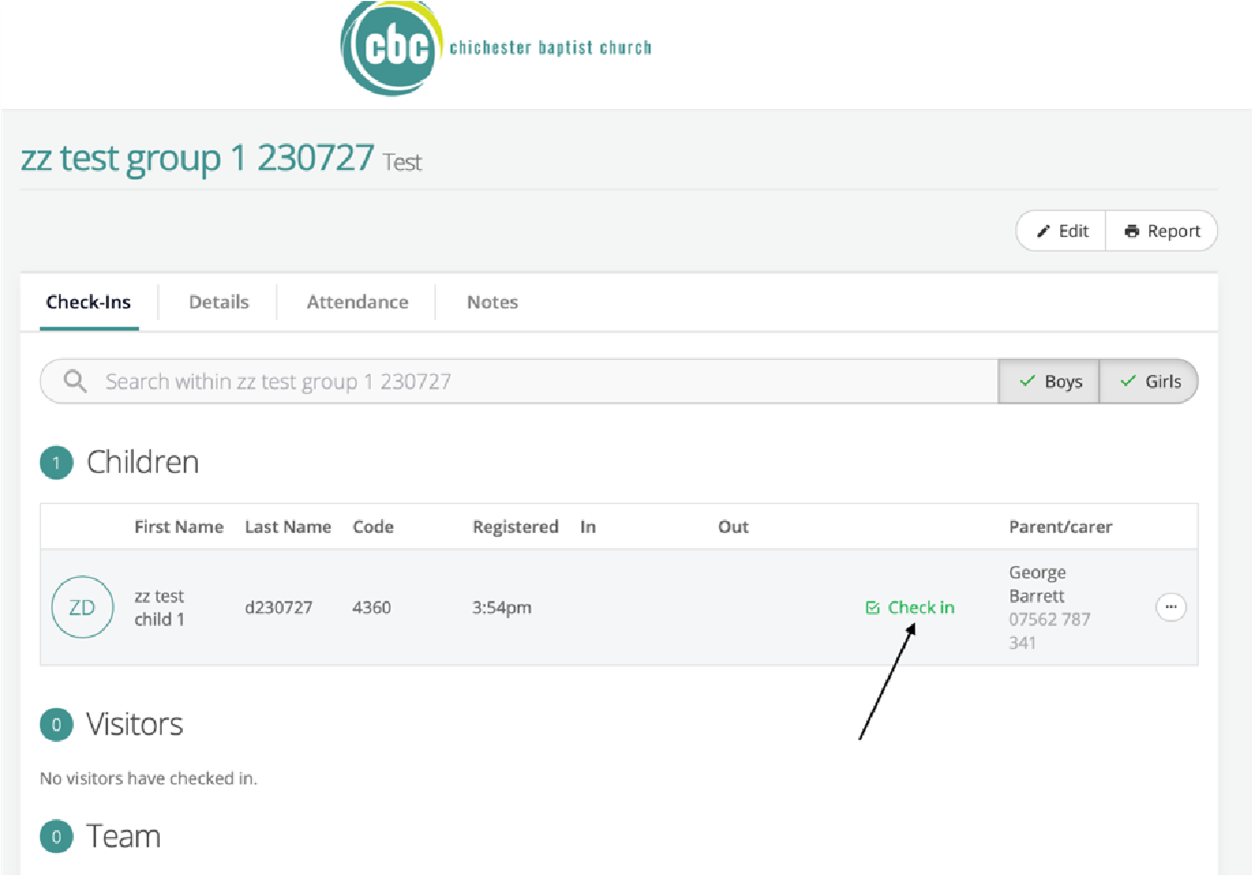
- Select 'check in' for each child in the room. If successful, the icon will change to a red 'check out' icon
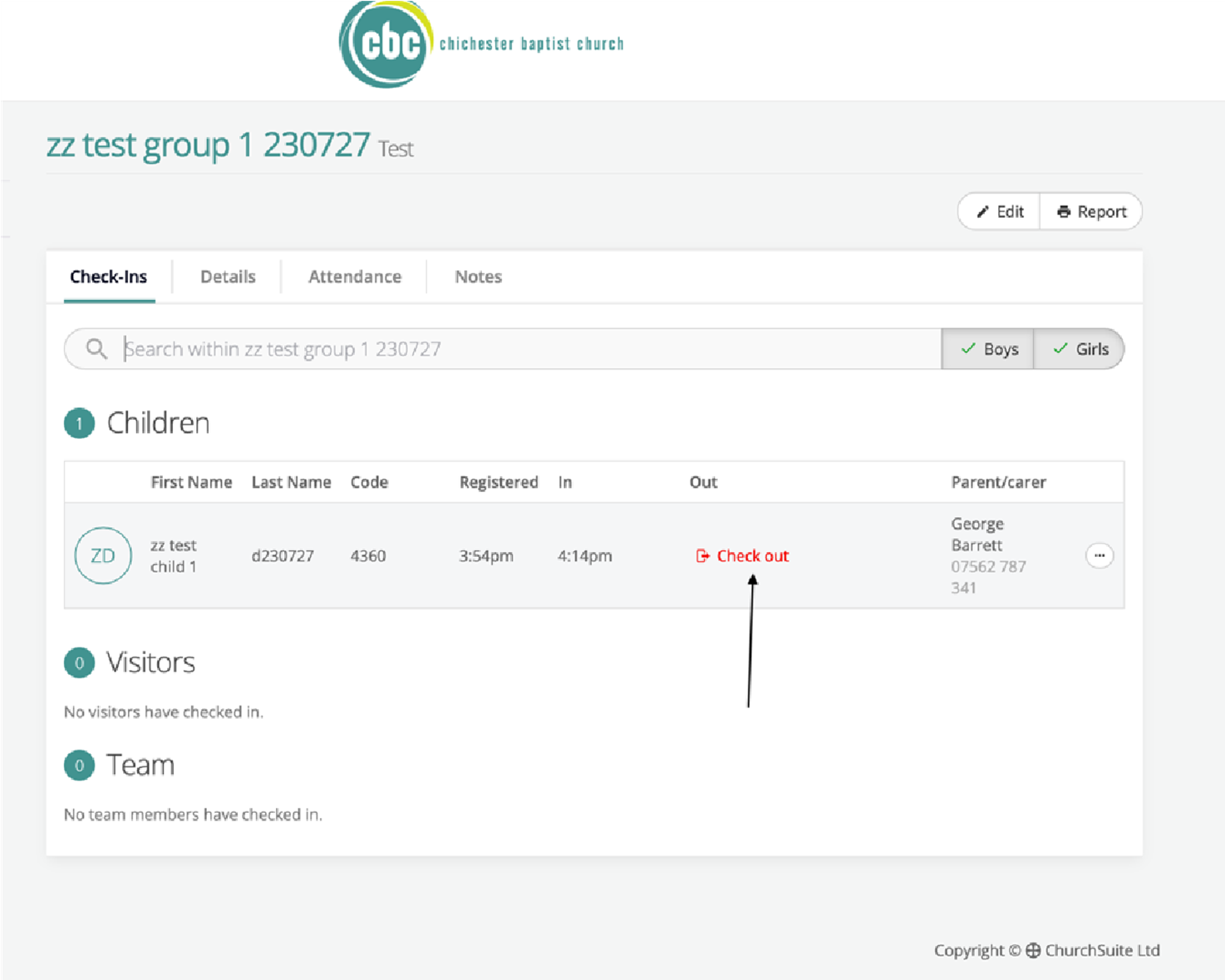
- To check out all the children once they have leI, select 'check out' for each child
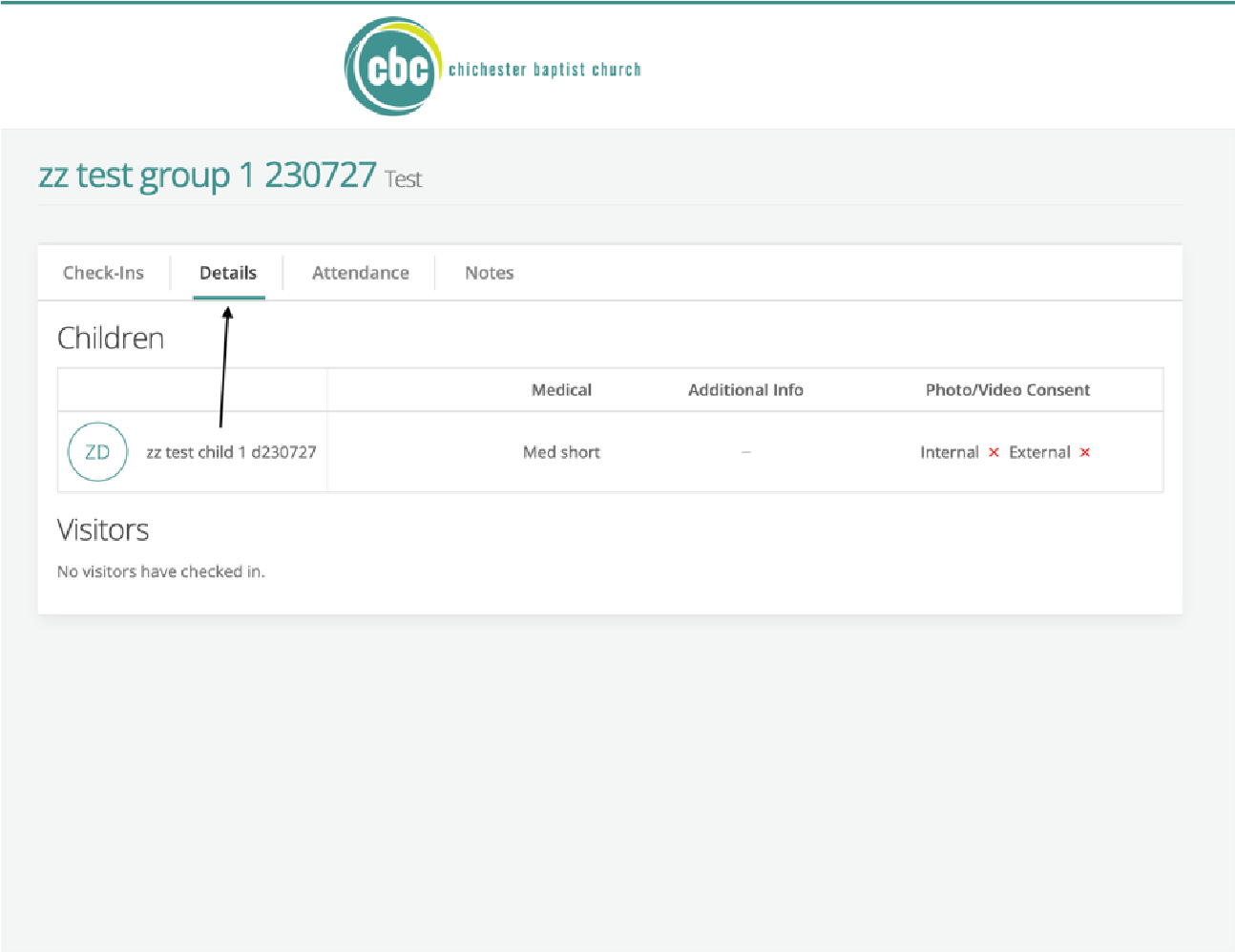
- To view medical needs and any other important information, select 'Details'
If you have any questions, please let Andy, Tabs or George know. We will be really happy to walk anyone through it step by step, as many times as needed. Will normally be around on any given Sunday if you run into any problems!